Skip to content
View in the app

A better way to browse. Learn more.

Euro Truck Sim Community

A full-screen app on your home screen with push notifications, badges and more.

To install this app on iOS and iPadOS
  1. Tap the Share icon in Safari
  2. Scroll the menu and tap Add to Home Screen.
  3. Tap Add in the top-right corner.
To install this app on Android
  1. Tap the 3-dot menu (⋮) in the top-right corner of the browser.
  2. Tap Add to Home screen or Install app.
  3. Confirm by tapping Install.

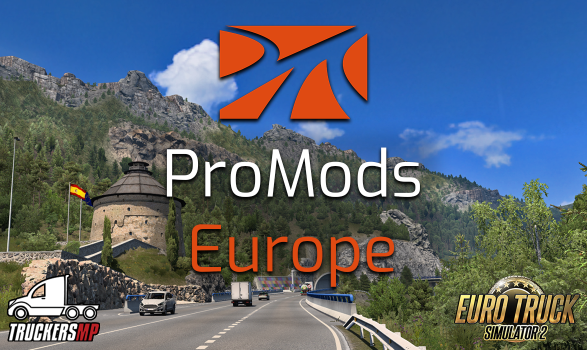
Promods Europe 2.80

(1 review)

1 Screenshot

Для распаковки многотомного архива потребуется скачать 7-zip (7-zip.org)

Мод выкладывается в том виде, в котором был загружен с официального сайта. Ничего не отредактировано.

Обновлением занимается администратор сайта. Если вышла новая версия, но тут еще не обновили - напишите в лс @Shandy

What's New in Version 2.80

Released

  • Исправлены критические ошибки по сравнению с версией 2.77

  • Франция: расширение Парижа (A3 + Берси), перестройка A36, A55/ N568, Туры

  • Литва: A5 и KK141

  • Польша: S61

  • Сербия: Суботица

  • Великобритания: Бодмин и A30

  • Обновление SCS Scandinavia refresh

  • Дополнение SCS Nordic Horizons

User Feedback

You may only provide a review once you have downloaded the file.

   1 of 1 member found this review helpful 1 / 1 member

Thank You

Response from the author:

Всегда пожалуйста! 😃

Account

Navigation

Search

Search

Configure browser push notifications

Chrome (Android)
  1. Tap the lock icon next to the address bar.
  2. Tap Permissions → Notifications.
  3. Adjust your preference.
Chrome (Desktop)
  1. Click the padlock icon in the address bar.
  2. Select Site settings.
  3. Find Notifications and adjust your preference.